KanbanFlow AI employee

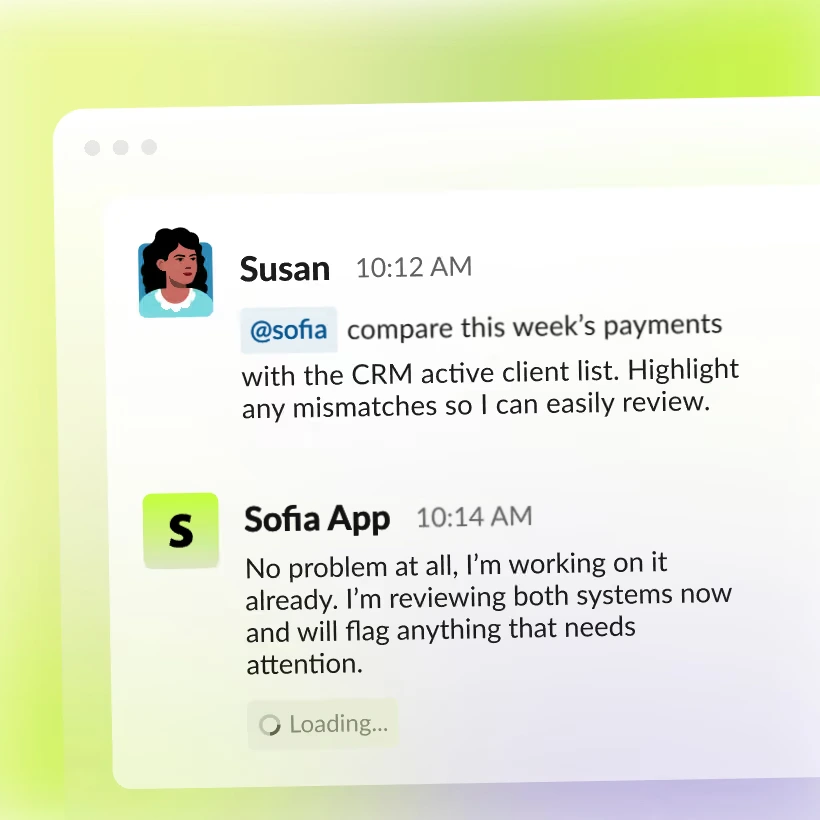
Sofia works in KanbanFlow for you. Ask in Slack or Microsoft Teams.
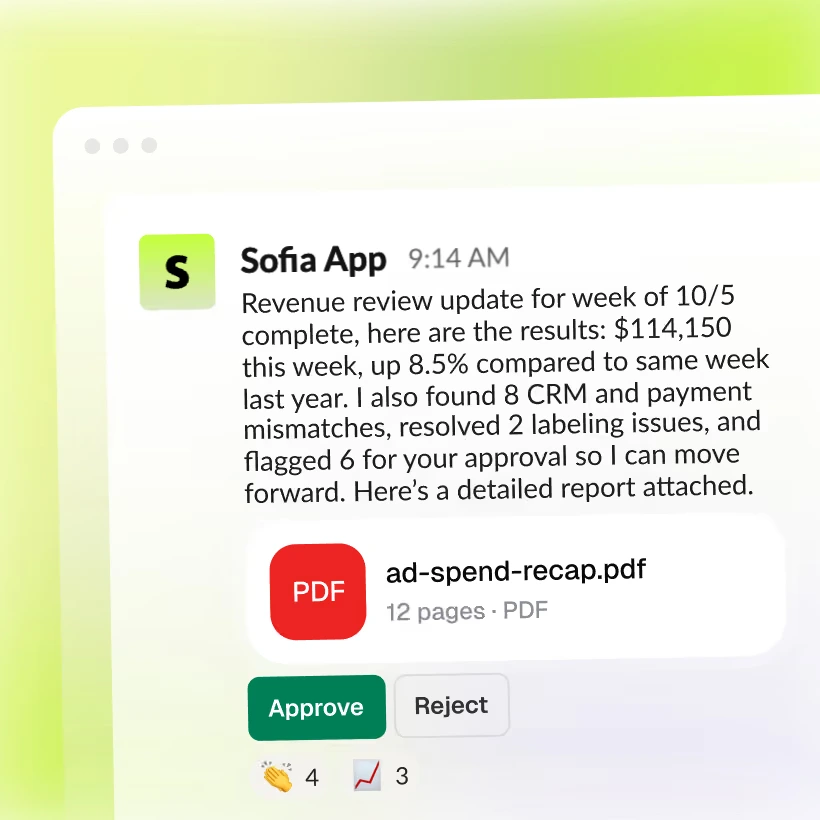
Sofia is an AI employee that connects to KanbanFlow and helps you process payments and reconcile transactions, running 11 KanbanFlow actions for you like Send invoice, List disputes, and List invoices. Ask in plain English from your workspace
Free to start
No credit card
SOC 2 Type 1
Try asking Sofia

What can you ask Sofia to do in KanbanFlow?

Messages you'd actually send. Paste one into your workspace, swap in your specifics, and Sofia takes it from there.

— you, to
@sofia
— you, to
@sofia
— you, to
@sofia
— you, to
@sofia
How it works

How does Sofia work with KanbanFlow?

1

Connect your tools

150+ native integrations. 10,000+ tools via managed connectors. Most are one-click OAuth, some use API keys — Sofia handles auth and starts working. No webhooks or Zapier zaps.

2

Get Sofia the job

Ask Sofia for the outcome, not the steps. For example, Find anything unusual in this month’s billing. Reduce spend on expensive campaigns and put more behind the money-makers. Sofia figures out how to get there, in natural language.

3

Sofia acts, you approve

Sofia handles the task, checks in when approval is needed, and keeps a clear record. You focus on the outcome.

Get Started

Sofia uses KanbanFlow together with your other tools

Ask for outcomes that span tools — Sofia pulls from KanbanFlow, cross-references the rest of your stack, and delivers one finished result.

No items found.

More Productivity integrations

Sofia connects to 10,000+ tools and works across them in a single run.

Teach 'n Go
Teamdeck
Teachable
Tally
Tapform
talkSpirit
Syntage
SurveyCTO
SurveyMethods
SuperSaaS
Supernotes
Supercast
SuiteDash
Stormboard
Streamtime
Storeganise
Stiply
stackby
Spotlightr
Spondyr
Softr
SMS8
SmartSuite
SmartRoutes
Slottable
Trusted by 1,000+ teams

When Sofia feels like a true teammate.

Agency that can scale to $2M in 7 days

“I started working with Sofia just seven days ago, and now I have the infrastructure for a $2 million-a-year agency — without hiring a single employee.”

Jordan
Founder, Impact
Saved:
1 full-time employee

“Claude Tag writes better specs. Sofia gets the work done faster across our tools — and actually creates the tickets.”

Billy
CEO
Saved:
60+ hrs/week

“It's completely changed how I work — like having an extra employee on the team. Maybe three.”

Phil
President

FAQ

Can Sofia connect more than one client account?

Yes. Connect the same app multiple times and label each account by client. If Sofia isn’t sure which one you mean, she’ll ask before continuing.

How does Sofia learn how our agency works?

Show Sofia how your team works the way you communicate with your team - Slack, Teams, Text, WhatsApp, Email or Phone. Connect your stack, and share your processes, formats, and approval rules. She keeps that context for future work.

Is each client automatically kept separate?

Not automatically. Client accounts can be labeled and access can be limited by connection, but each client does not currently receive a completely isolated workspace by default. This is a feature on our roadmap to achieve complete separation.

Can Sofia send something to a client without approval?

You control that. Routine actions can run automatically, sensitive steps can require approval, and individual actions can be turned off entirely.

Can Sofia build internal tools for our agency?

Yes, Sofia can create internal apps, dashboards, QA tools, client portals, and other systems your team needs to run the business.

What happens when an item needs review or fails?

Sometimes an app may return incomplete information, restrict access, or reject an action. You can require approval before Sofia makes sensitive changes, sends anything externally, or updates important data.

How is Sofia priced for agencies?

Start free with $100 in credits, no need to give a credit card. Paid plans start at $49/mo. Plans are based on usage rather than seats, so your whole team can work with Sofia. See more here.

Sofia is your

AI assistant for work and life.

chief of staff for the everyday details.

executive assistant, one text away.

right hand for everything on your plate.

AI employee for the work you keep putting off.

inbox manager, keeping important messages in focus.

meeting assistant, from preparation to follow-up.

research analyst, turning questions into clear findings.

data analyst, turning numbers into next steps.

operations assistant, keeping the daily work moving.

extra set of hands when the day gets busy.

teammate for everything between “I need to” and “done”.

Get StartedBook a Demo