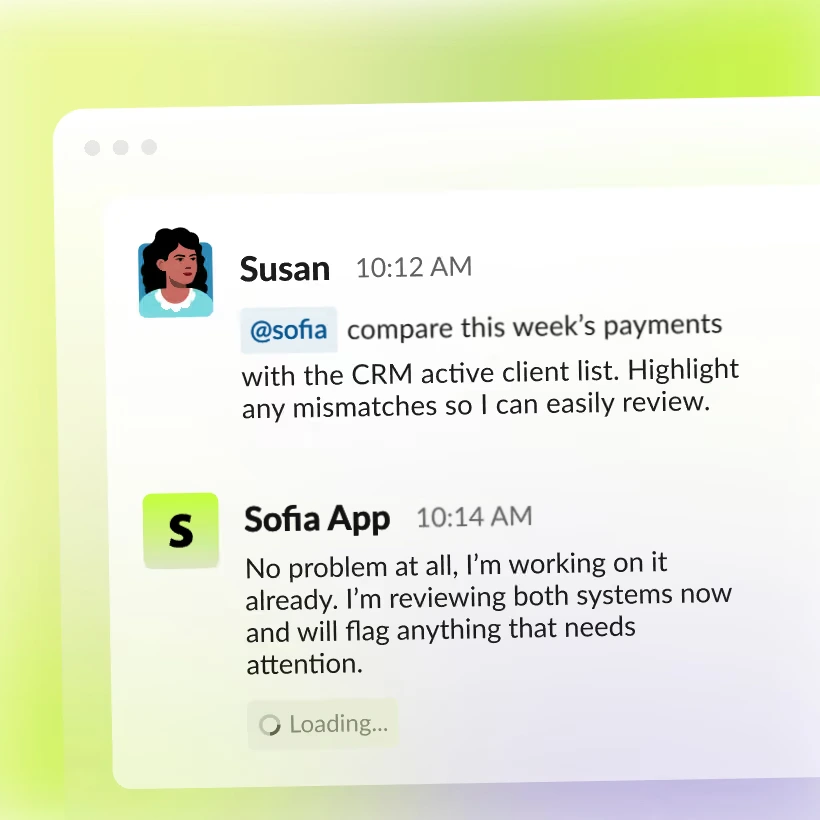
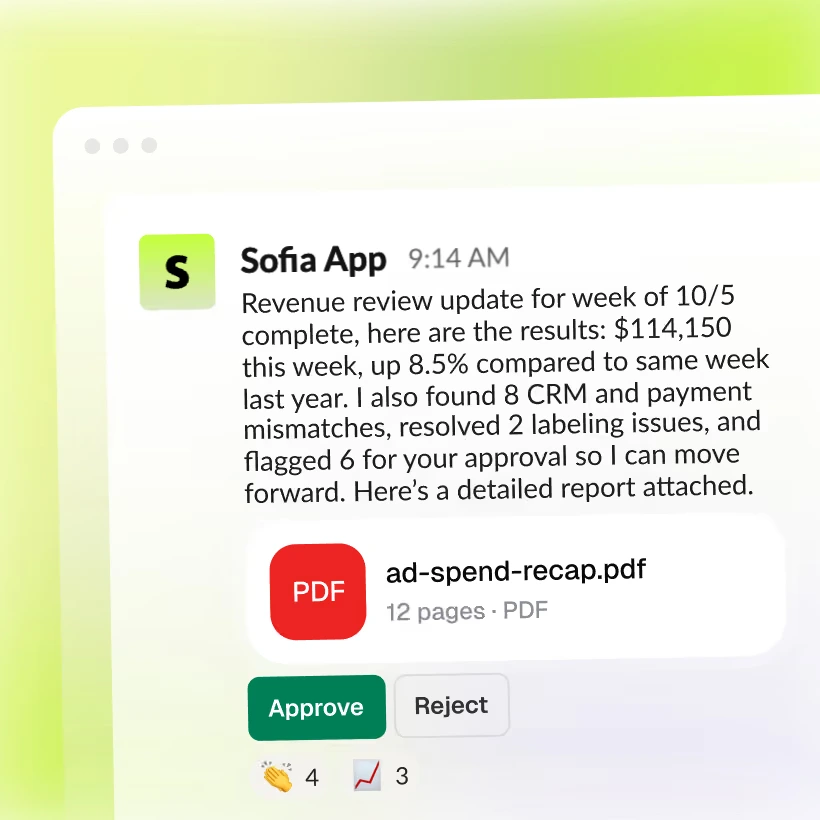
Messages you'd actually send. Paste one into your workspace, swap in your specifics, and Sofia takes it from there.

Connect your tools
150+ native integrations. 10,000+ tools via managed connectors. Most are one-click OAuth, some use API keys — Sofia handles auth and starts working. No webhooks or Zapier zaps.

Get Sofia the job
Ask Sofia for the outcome, not the steps. For example, Find anything unusual in this month’s billing. Reduce spend on expensive campaigns and put more behind the money-makers. Sofia figures out how to get there, in natural language.

Sofia acts, you approve
Sofia handles the task, checks in when approval is needed, and keeps a clear record. You focus on the outcome.
Ask for outcomes that span tools — Sofia pulls from TinyPNG, cross-references the rest of your stack, and delivers one finished result.
Sofia connects to 10,000+ tools and works across them in a single run.
“I started working with Sofia just seven days ago, and now I have the infrastructure for a $2 million-a-year agency — without hiring a single employee.”
“Claude Tag writes better specs. Sofia gets the work done faster across our tools — and actually creates the tickets.”
“It's completely changed how I work — like having an extra employee on the team. Maybe three.”
Can Sofia connect more than one client account?
Yes. Connect the same app multiple times and label each account by client. If Sofia isn’t sure which one you mean, she’ll ask before continuing.
How does Sofia learn how our agency works?
Show Sofia how your team works the way you communicate with your team - Slack, Teams, Text, WhatsApp, Email or Phone. Connect your stack, and share your processes, formats, and approval rules. She keeps that context for future work.
Is each client automatically kept separate?
Not automatically. Client accounts can be labeled and access can be limited by connection, but each client does not currently receive a completely isolated workspace by default. This is a feature on our roadmap to achieve complete separation.
Can Sofia send something to a client without approval?
You control that. Routine actions can run automatically, sensitive steps can require approval, and individual actions can be turned off entirely.